
Motion Control
Installs
33
Category
video
Recreate any Motion
with Your Image
Copy motion from any video and place your character into the same movement
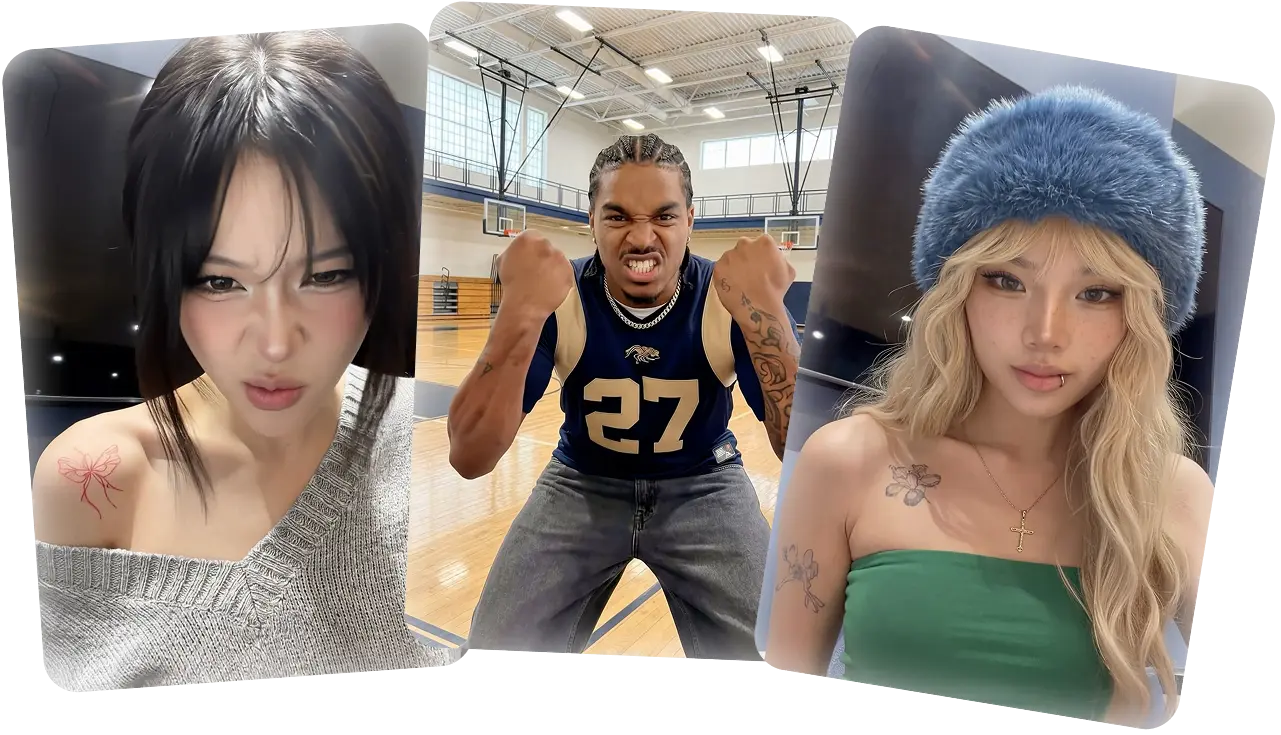
What is Motion Control
Two inputs → one output:
- Character image — the person/character you want to animate
- Motion reference video — the movements to copy
Output: a video where the character performs the movements from the reference.
Use cases: dance videos, UGC content, product demos, character animation, meme generation.
Models
| Model | Quality | When to use |
|---|---|---|
fal:fal-ai/kling-video/v3/standard/motion-control | Good | Testing, iteration, drafts |
fal:fal-ai/kling-video/v3/pro/motion-control | Best | Final output, commercial use |
V3.0 significantly improves facial consistency — stable features and smooth expressions even in complex, multi-angle, long-duration motions.
Check exact model IDs before use:
pica model search "kling motion control"
If you need the exact current search flags, use pica --schema=.model. Treat search as discovery, then confirm the chosen model with pica model info.
Key Concepts
Character Orientation (Scene Control)
The most important creative decision. Controls where the output's background, framing, and camera come from.
| Mode | API value | What happens | Best for | Max duration |
|---|---|---|---|---|
| Matches Video | "video" | Everything follows motion reference — movements, expressions, camera, background. Prompt controls extra details. | Complex motions: dance, sports, gestures, martial arts | 30s |
| Matches Image | "image" | Movements and expressions follow motion reference, but background and framing come from the character image. Camera customizable via prompt. | Preserving character's scene, adding camera moves | 10s |
Default to "video" — best motion fidelity. Switch to "image" when the character image's background matters, or you want independent camera control.
Camera movements available in "image" mode (via prompt): Zoom In, Zoom Out, Camera Up, Camera Down, Fixed Position.
Element Binding (Facial Consistency)
Binds a facial element to maintain character identity across the video — critical for multi-angle and long-duration motions.
How it works: upload facial references (images or short video) → create an "element" → the model preserves that facial identity during generation.
Constraints:
- Only works with
character_orientation: "video" - Captures facial identity only — not clothing, hairstyle, makeup, or props
- One element per generation (multiple people → largest face is auto-selected)
- Large face difference between element and motion reference may degrade quality
Best facial references for elements:
| Scenario | What to upload |
|---|---|
| Head turns | Front-facing + side views (left/right) |
| Expressions (smiling) | Neutral front-facing + smiling front-facing |
| 360° rotation | Front smile, left-profile, right-profile, upward, downward |
| Complex emotions + head movement | Front-facing + each expression + side views |
For highest identity accuracy, upload a video — richer, more continuous facial data than static images.
Workflow
1. Prepare inputs
This skill assumes you are already following the base pica workflow. Do not jump straight to generate after reading this file — let pica generate preflight inspect the local media first, then fix any blocking issues before dispatch.
Character image:
- Clear visible face and body, no heavy occlusion
- Match body framing with motion reference (half-body ↔ half-body, full-body ↔ full-body)
- Short edge ≥ 340px, long edge ≤ 3850px
- Resize to ≤1080px — very large images may cause failures
Motion reference video:
- Single person, visible head and body (real human recommended)
- Single continuous shot — no cuts, no shot changes, no camera movement
- Duration 3–30s (model extracts valid continuous action, minimum 3s)
- Moderate speed — avoid overly fast motions
- For large motions, leave enough space in frame for movement
Preflight can catch the mechanical constraints above, especially image dimensions, media type mismatches, and reference duration. It cannot reliably verify semantic quality requirements like "single person", "no cuts", or "no camera movement" — check those manually.
Example motion reference:
2. Choose orientation
Default "video" unless the user specifically needs:
- The character image's background preserved
- Custom camera movement (zoom, pan)
Orientation changes the allowed duration:
"video"→ up to 30s"image"→ up to 10s
If preflight reports that the motion reference is too long for "image", trim the clip or switch orientation instead of retrying the same command.
3. Generate
pica generate \
  --model fal:fal-ai/kling-video/v3/standard/motion-control \
  --kind video_generation \
  --input '{
    "prompt": "A person dancing",
    "image_url": "file://character.png",
    "video_url": "file://motion-reference.mp4",
    "character_orientation": "video"
  }'
The prompt is optional but guides style/context. In "video" mode it controls background details; in "image" mode it also drives camera movement.
Treat these preflight outcomes as blocking:
image_urlis not an imagevideo_urlis not a video- Character image short edge < 340px
- Character image long edge > 3850px
- Reference video < 3s
- Reference video exceeds the orientation-specific max duration
elementsis used whilecharacter_orientation !== "video"- More than one element is attached
Treat these as warnings to review before continuing:
- Character image long edge > 1080px for a first-pass render
- Dimensions or duration could not be probed
- Semantic quality concerns that preflight cannot prove automatically
4. Iterate
Generation takes 5–10 minutes (standard). If results miss expectations:
- Switch
character_orientationbetween"video"and"image" - Match body framing between character image and motion reference
- Use a cleaner character image (less background clutter)
- Trim the reference video to the most expressive segment
- Add Element Binding for better facial consistency
- Adjust prompt for style/camera guidance
When a run fails preflight, fix the asset first. Do not keep resubmitting the same broken input and hope the provider is lenient.
5. Final render
Once satisfied with standard, re-run with pro:
pica generate \
  --model fal:fal-ai/kling-video/v3/pro/motion-control \
  --kind video_generation \
  --input '{
    "prompt": "A person dancing gracefully, cinematic lighting",
    "image_url": "blob://...",
    "video_url": "blob://...",
    "character_orientation": "video"
  }' \
  --output ./final-output{i}{ext}
Reuse blob:// refs from previous runs to skip re-uploading.
Parameters
| Parameter | Default | Description |
|---|---|---|
character_orientation | "video" | Scene control: "video" follows motion ref, "image" follows character |
keep_original_sound | true | Keep audio from the reference video |
elements | none | Facial element for identity preservation (only with "video" orientation) |
References
- Kling Official Guide — Showcase examples with input/output comparisons for Element Binding, camera movements, and scene control