
Render in the thread your bot already lives in.
OpenCLAW is the gateway. Pica is what it ships. Install both, and the same bot that answers questions in Telegram, Slack, or WhatsApp can hand back a generated image, a cut video, or a finished campaign brief.
Three commands to put pica in the thread.
Install pica on the same machine that hosts your OpenCLAW bot. Bun is provisioned automatically when missing.
Generate a key from your dashboard, then bind it to the bot's working directory once.
Drop the official skill into the OpenCLAW agent workspace. The bot can now invoke pica generate on every supported surface.
The bot answers in the medium the question deserves.
OpenCLAW keeps the conversational layer simple. Pica adds the verbs that produce something.
- Reply with an image
- User asks for a hero shot in DM. The bot returns one generated image as the next message. No exports, no links to a portal.
- Reply with a video
- Long-form generations stream back as soon as Convex finalizes; the chat surface shows a thumbnail with the asset attached.
- Carry a brief across surfaces
- OpenCLAW remembers conversation context. Pica sessions stay scoped to a project so the next request inherits the same brand kit.
- Audit every render
- Every output writes to ConvexFS with the original prompt and model attached. Open the workspace to inspect or re-derive.
Three moments OpenCLAW with pica handles natively.
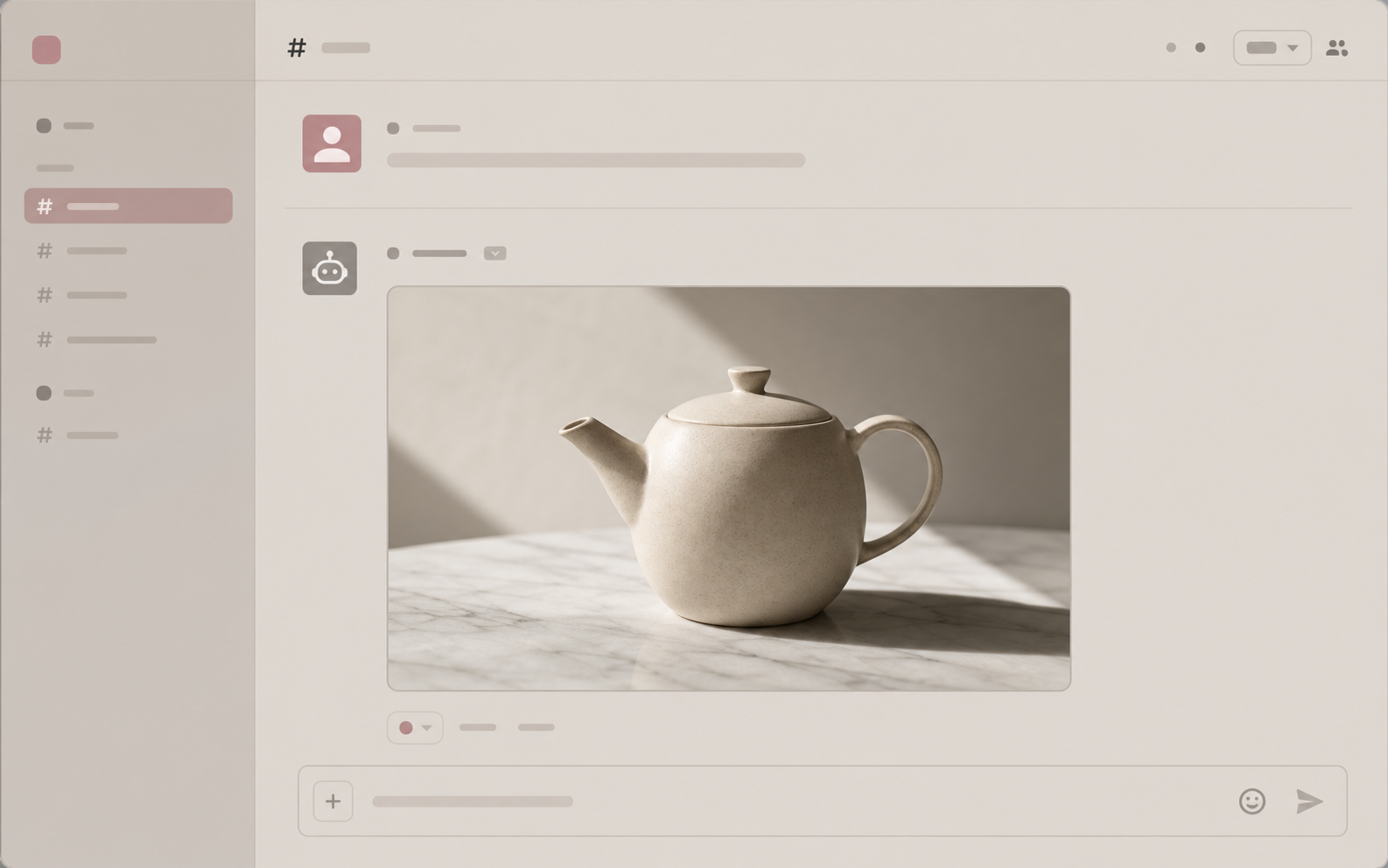
Chat to image
A founder in Slack: "can you sketch the hero image for the launch?" The bot replies with one finished still, ready to drop into the deck.
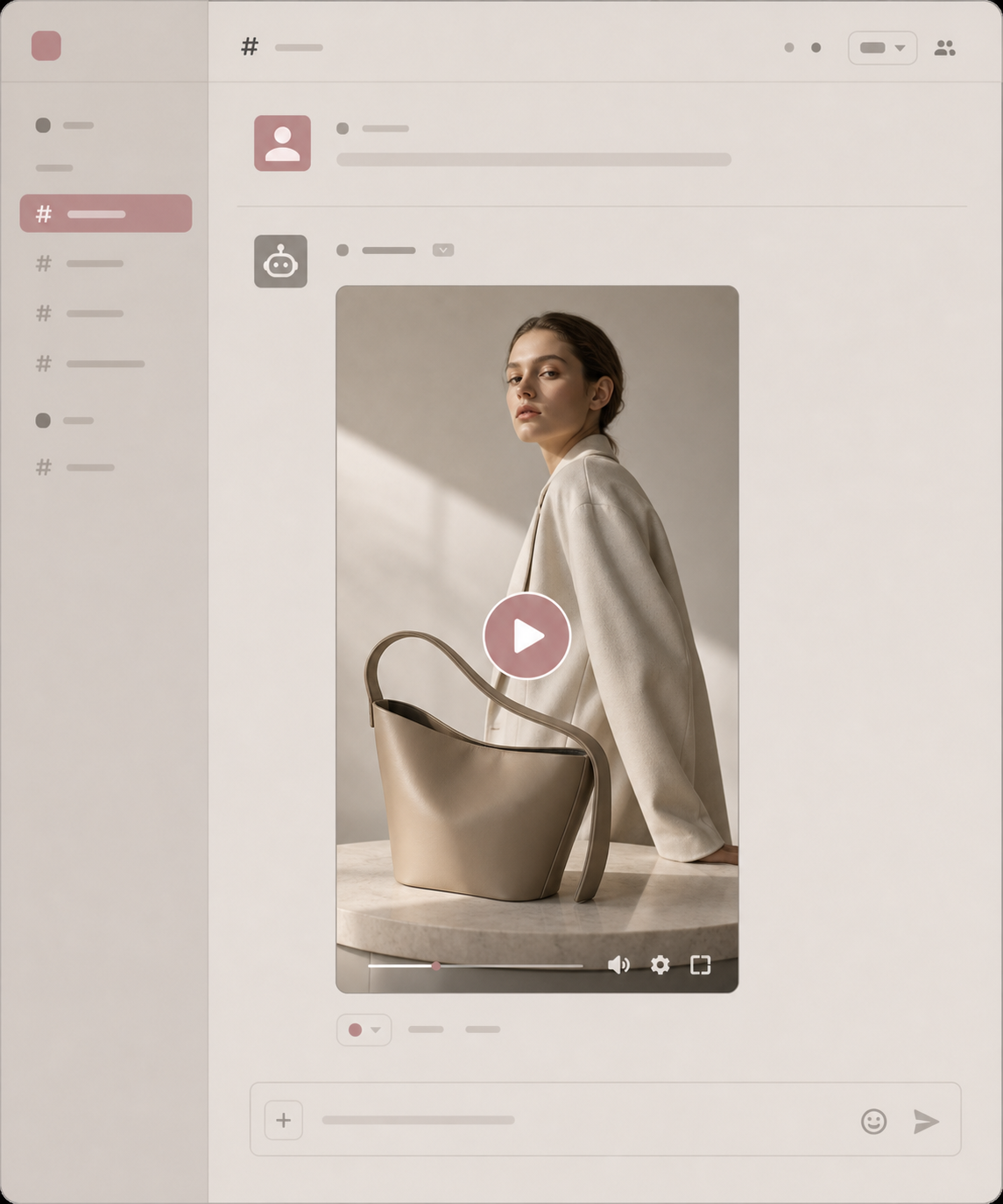
Chat to video
A WhatsApp message describes a 12-second product reel; the bot returns a downloadable mp4 with the right aspect, the right cut, and the right music bed.
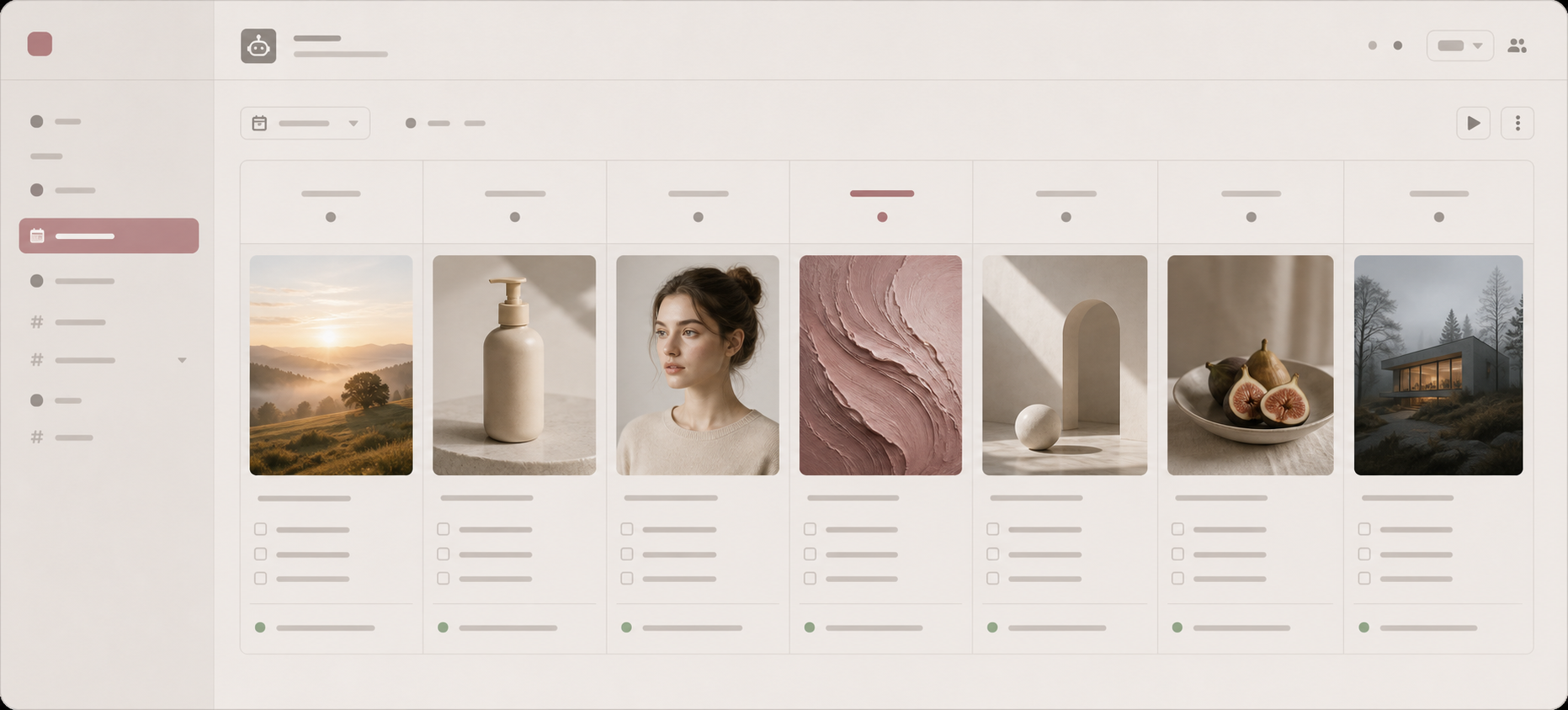
Weekly automation
Tell the bot to ship seven posts every Monday at 9am. OpenCLAW handles the schedule and the platform; pica produces the assets and ConvexFS keeps the history.