
A first-class skill in your terminal.
Install pica into any Claude Code workspace and the conversation gains a new verb. Claude reasons through the brief, calls pica generate, and the rendered asset arrives in the same transcript, on disk, ready to commit.
Two commands, one workspace, one Claude session.
Install pica on the same machine you run Claude Code on. The installer provisions Bun if needed and drops the binary in ~/.local/bin.
Run this inside the project directory you launch Claude Code from. The skill lands in .agents/skills/pica.pica/ and Claude reads it on next session.
Start Claude Code. The first time you ask Claude to ship a visual, it picks up the skill, calls pica generate, and writes the output back into the workspace.
Generation becomes another move in the conversation.
Claude already plans, edits files, and runs commands. Pica adds rendering as a peer capability — same surface, same transcript.
- Generate inline
- Ask Claude for a hero image while reviewing the landing copy. The asset arrives in the same transcript, with the prompt and model recorded.
- Iterate cheaply
- Pica's standard tier renders previews in seconds. Claude knows to start there, present options, and only escalate to pro models when direction is locked.
- Reach into ConvexFS
- Outputs commit to ConvexFS via pica. Claude can list, fetch, and reference any prior asset by id without re-uploading.
- Carry the brief
- Claude keeps the conversational context. Pica scopes outputs to the current project so model defaults, brand kit, and history all stay aligned.
Three moments Claude with pica handles natively.
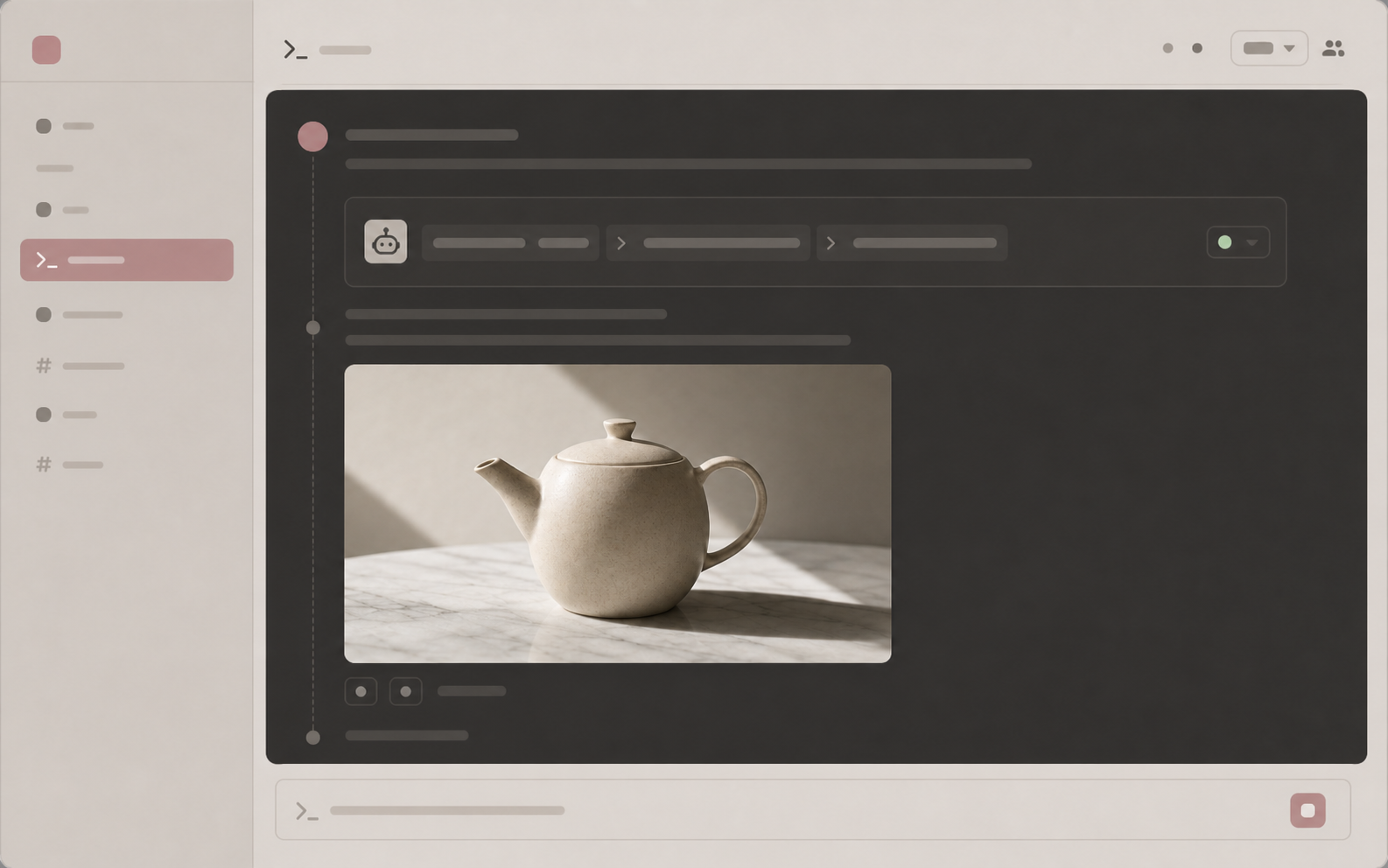
Design while reviewing
While Claude is auditing the marketing page, ask it to render the hero image you just discussed. The thumbnail arrives in the same response, ready to drop into the layout.
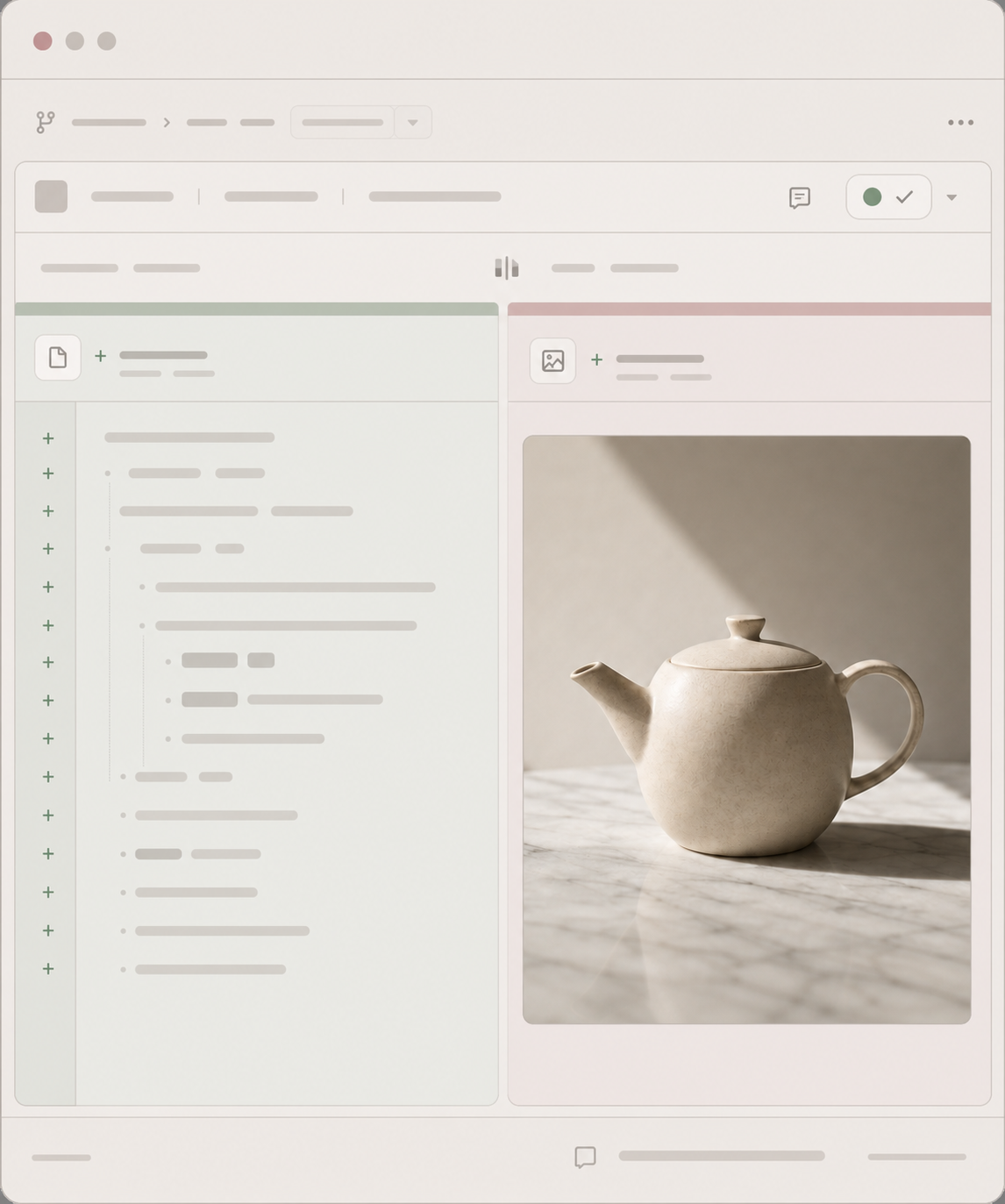
Ship from the workspace
Claude commits the prompt, Claude commits the asset. The repository carries both, so the next contributor can re-derive the same visual from history.
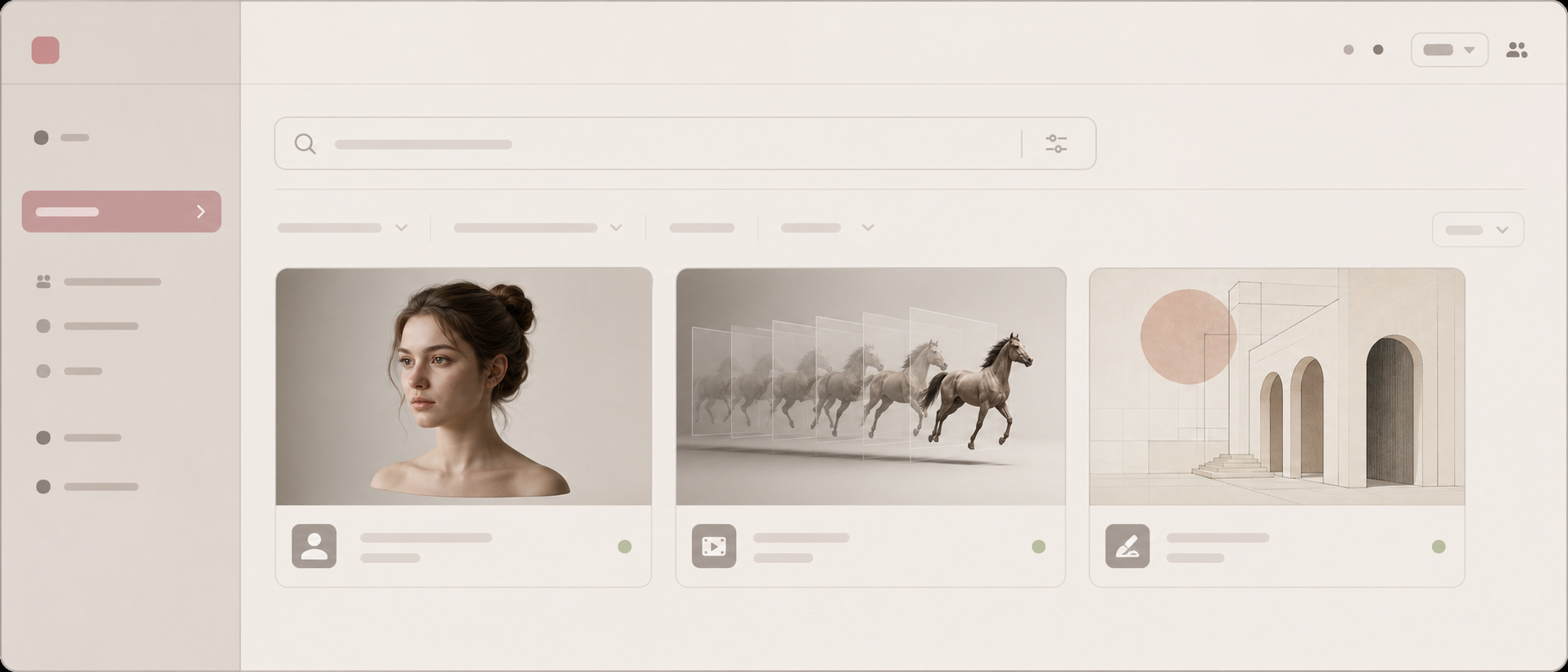
Reach for a vertical skill
Claude searches pica skill find, picks the right vertical (motion-control, kling-avatar, ugc-ads), installs it, and uses it the same turn. The library compounds.
Claude designs. Pica produces. Same project. Same conversation.