
Kling Avatar
Installs
1
Category
video
Avatar Studio
Talking Avatar,
One Click Away
Turn a character image and audio into a lip-synced talking video
with natural expressions, gestures, and multilingual support.
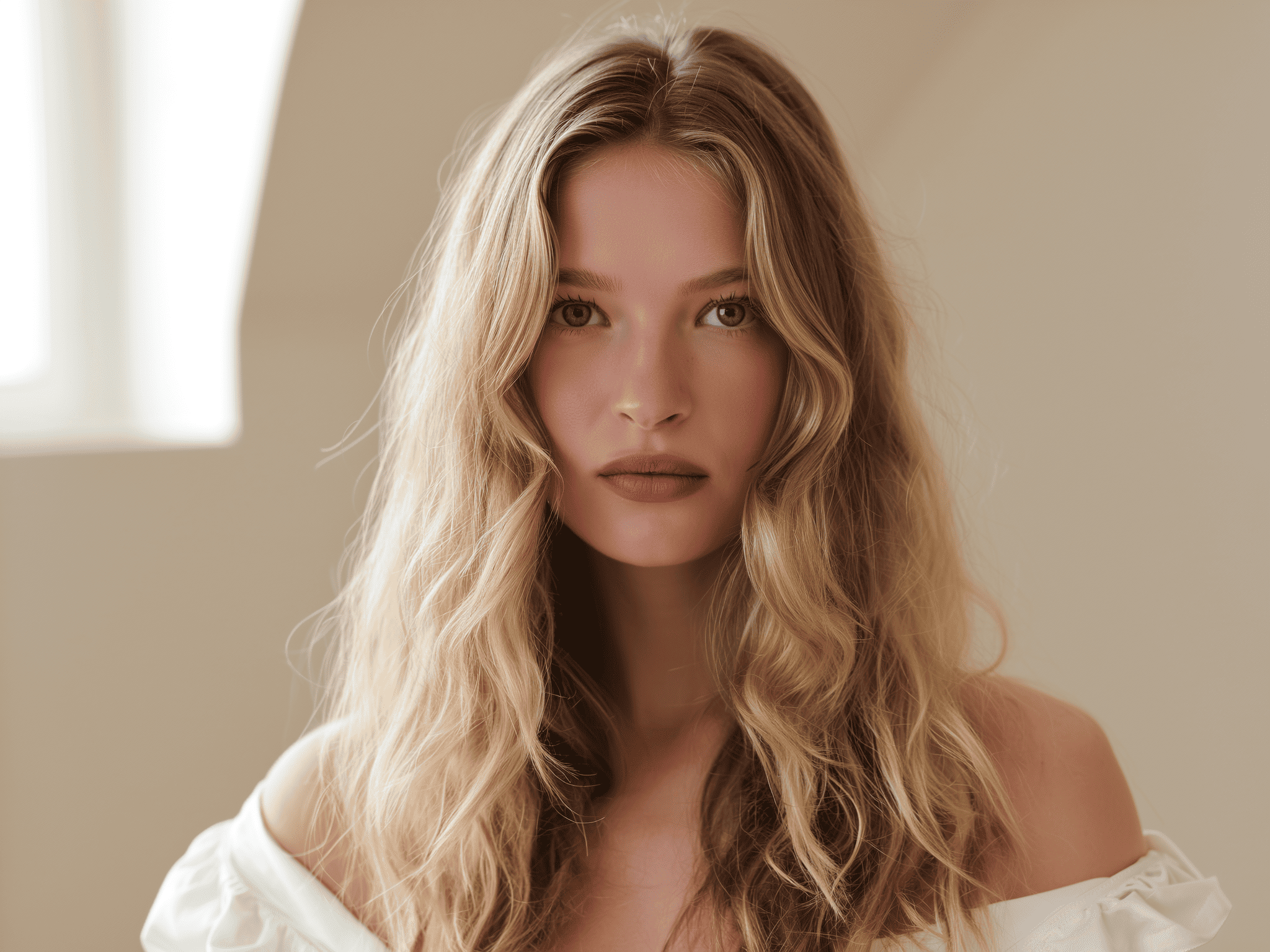
Upload Image or Video
Add any photo or clip as your base
Generate or Upload Audio
Upload audio or type to generate speech
Select a Model & Generate
Choose a model and create your video
What is Avatar
Two inputs → one output:
- Character image — the person/character to animate (photo, illustration, 3D render)
- Audio — what the character will say or sing (uploaded file or TTS-generated)
Output: a video where the character speaks or sings the audio with synchronized lip movements, natural expressions, and body language directed by the prompt.
Use cases: talking-head videos, product spokespersons, multilingual content localization, music videos, virtual presenters, social media content, educational narration.
Models
| Model | Quality | When to use |
|---|---|---|
fal:fal-ai/kling-video/v1/pro/ai-avatar | Best | All avatar generation |
Only the pro tier is available. Check exact model ID before use:
pica model search "kling avatar"
If you need the exact current search flags, use pica --schema=.model. Search finds candidates; pica model info is the step that confirms the real model contract.
Key Concepts
Prompt as Performance Direction
The prompt does not control what the character says — audio does that. The prompt controls how the character performs while speaking:
- Facial expressions:
"angry","smiling warmly","intoxicated expression, emotions high" - Body language:
"gently shaking head","swaying confidently","raising hands" - Actions with props:
"holding a microphone","touching her necklace","pointing at the camera" - Overall energy:
"patient and gentle explanations","professional explanations, natural movements"
A minimal prompt like "." produces neutral performance. The more specific the prompt, the more expressive the result.
Good prompts combine emotion + action + context:
"With a joyful expression Santa laughs and interacts with the camera, gesturing expressively with his hands"
"He raised his hand to touch his glasses and then angrily pointed at the camera"
"The singer sings earnestly, enjoying the stage with a smile, and her body sways gently with the rhythm"
Audio as Speech Content
Audio drives lip sync timing and mouth shapes. The character's mouth movements match the audio waveform — this is the core of the feature.
Supported formats: .mp3, .wav, .m4a
Constraints:
- Duration: 2–60 seconds
- Max file size: 5 MB
- Audio quality directly affects lip sync quality — clean recordings outperform noisy or compressed audio
Multilingual support: English, Chinese, Japanese, Korean. The model handles each language's mouth shapes natively.
TTS tip: When using text-to-speech to generate audio, use punctuation (commas, periods) to control pacing and pauses. Natural-sounding TTS produces better lip sync than flat, monotone speech.
Character Types
Not limited to real humans. Avatar 2.0 handles diverse character styles:
- Real human photos
- Anime / manga characters
- 3D rendered characters
- Stylized illustrations
- Animal characters (with anthropomorphic features)
The character image becomes the start frame — the model preserves the visual style throughout the video.
Workflow
1. Prepare inputs
This skill assumes you are already following the base pica workflow. Do not jump straight to generate after reading this file — let pica generate preflight inspect the local media first, then fix any blocking issues before dispatch.
Character image:
- Clear, visible face — frontal or slight angle preferred
- Minimal occlusion on the face (no heavy sunglasses, masks, or hands covering the face)
- Clean background helps but is not required
- For half-body or full-body shots, hands should be visible if the prompt directs hand gestures
Audio file:
- Clean speech or singing — minimal background noise
- Duration 2–60 seconds (shorter clips iterate faster)
- Single speaker recommended
.mp3,.wav, or.m4aformat, max 5 MB
Preflight can catch file type mismatches, audio format/duration issues, and image dimension problems. It cannot verify audio quality or content — check those manually.
2. Write the performance prompt
Describe the character's emotions, actions, and body language. Do not repeat the speech content in the prompt — the audio handles that.
Start simple, then add specificity if the result needs more expressiveness:
- Basic:
"Speaking naturally with a warm smile" - Detailed:
"Professional explanations, natural movements, and sometimes use gestures to highlight key points" - Singing:
"The singer sings earnestly, enjoying the stage with a smile, and her body sways gently with the rhythm"
3. Generate
pica generate \
  --model fal:fal-ai/kling-video/v1/pro/ai-avatar \
  --kind video_generation \
  --input '{
    "prompt": "Speaking warmly with natural gestures",
    "image_url": "file://character.png",
    "audio_url": "file://speech.mp3"
  }'
Treat these preflight outcomes as blocking:
image_urlis not an imageaudio_urlis not an audio file (.mp3,.wav,.m4a)- Audio duration < 2s or > 60s
- Audio file size > 5 MB
Treat these as warnings to review before continuing:
- Audio quality concerns (noisy, heavily compressed)
- Character image has heavy facial occlusion
- Dimensions or duration could not be probed
4. Iterate
If results miss expectations:
- Poor lip sync: Check audio quality — clean recordings with natural pacing produce better results
- Flat performance: Make the prompt more specific — add emotions, actions, gestures
- Wrong body language: Adjust prompt; the model follows prompt direction for everything except mouth movements
- Unnatural hands: Mention hand positions explicitly in the prompt if hands are visible
- Style drift: Use a higher-quality character image with consistent style
Parameters
| Parameter | Required | Default | Description |
|---|---|---|---|
image_url | Yes | — | Character image URL |
audio_url | Yes | — | Audio file URL (.mp3, .wav, .m4a; 2–60s; max 5 MB) |
prompt | No | "." | Performance direction: emotions, actions, body language |
References
- Kling Official Guide — Showcase examples with input/output comparisons for lip sync, emotions, multilingual, and character types